Strength training log
Log the set.
Keep moving.
A workout log for the gym and calisthenics. Start a session, see your last result, and get back to training.
How it works
From plan to progress.
One workout, from setting it up to seeing what changed.
01
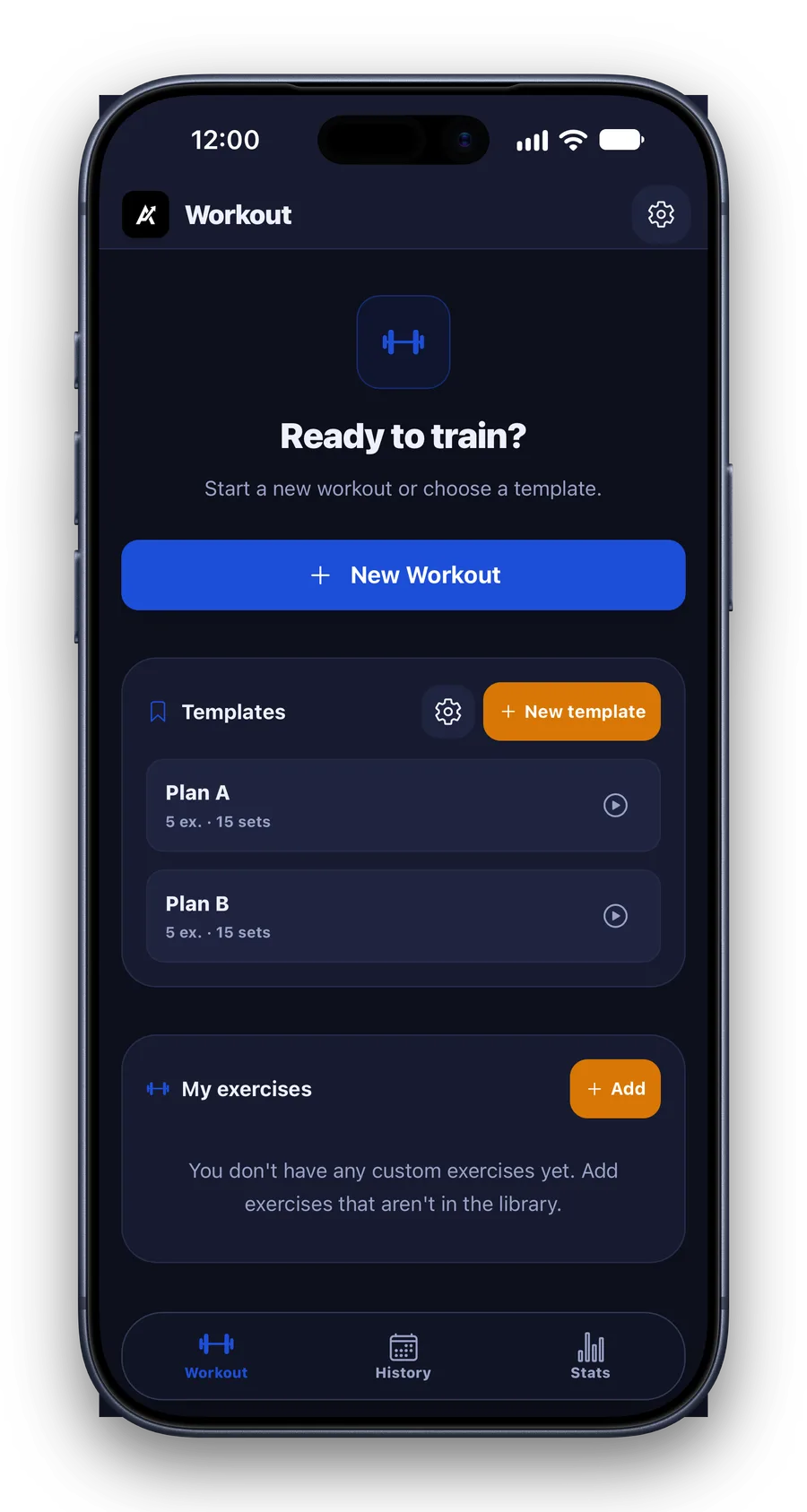
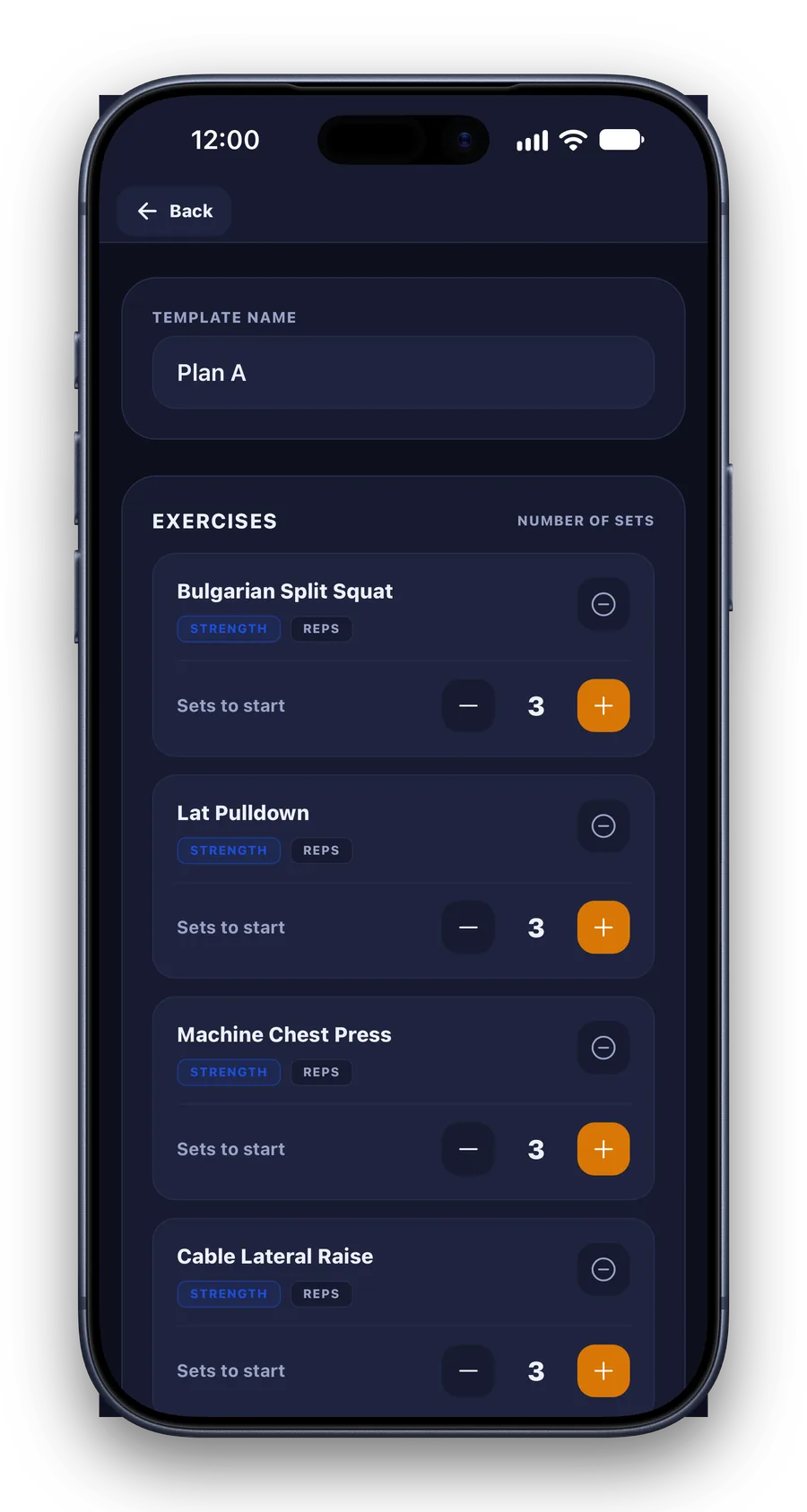
Choose or build a plan.
Start with a saved routine, or make one with the exercises and sets you actually use.
02
Log the work.
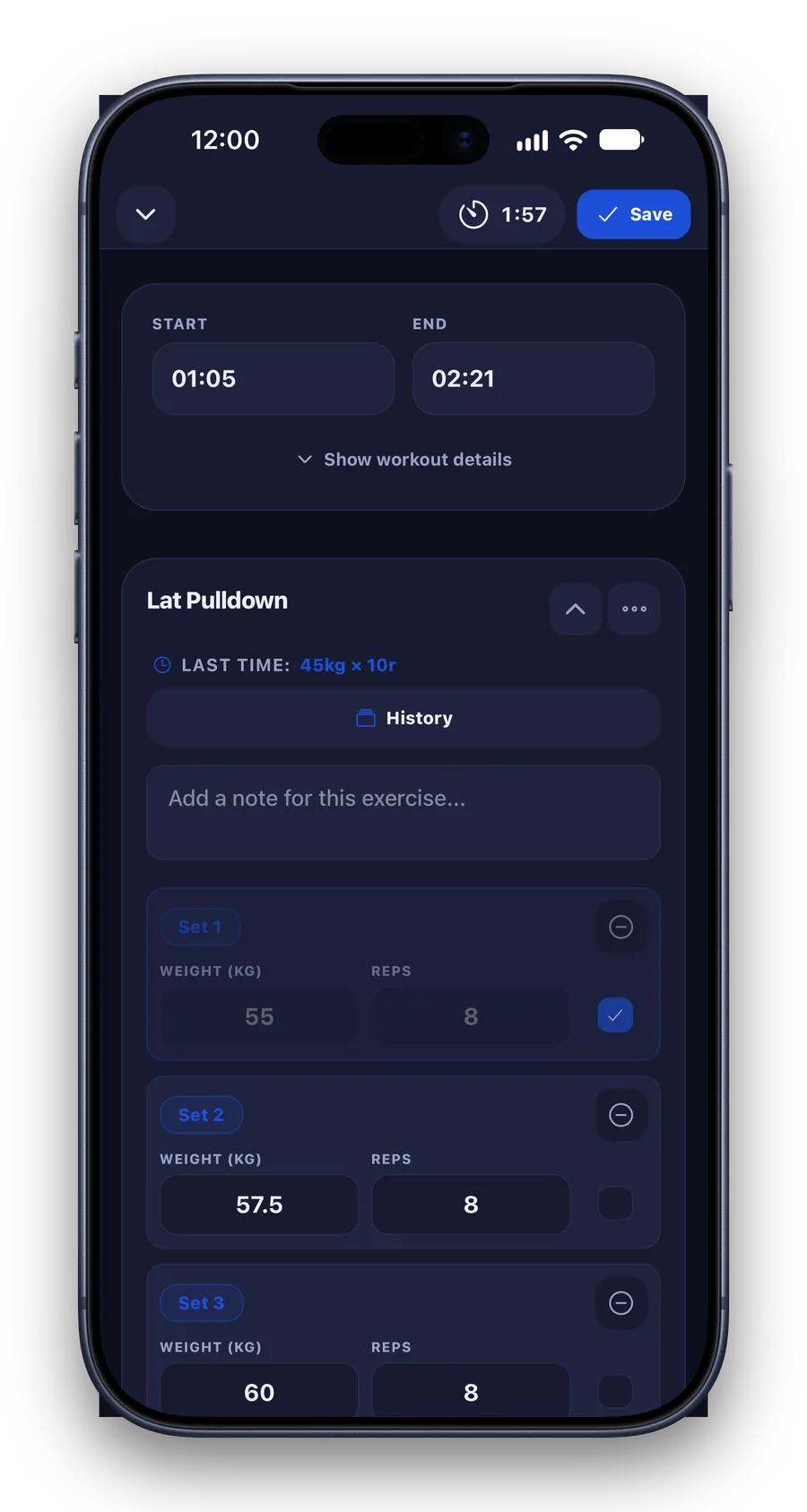
Your last result is already there. Adjust the number, tick the set, keep moving.
03
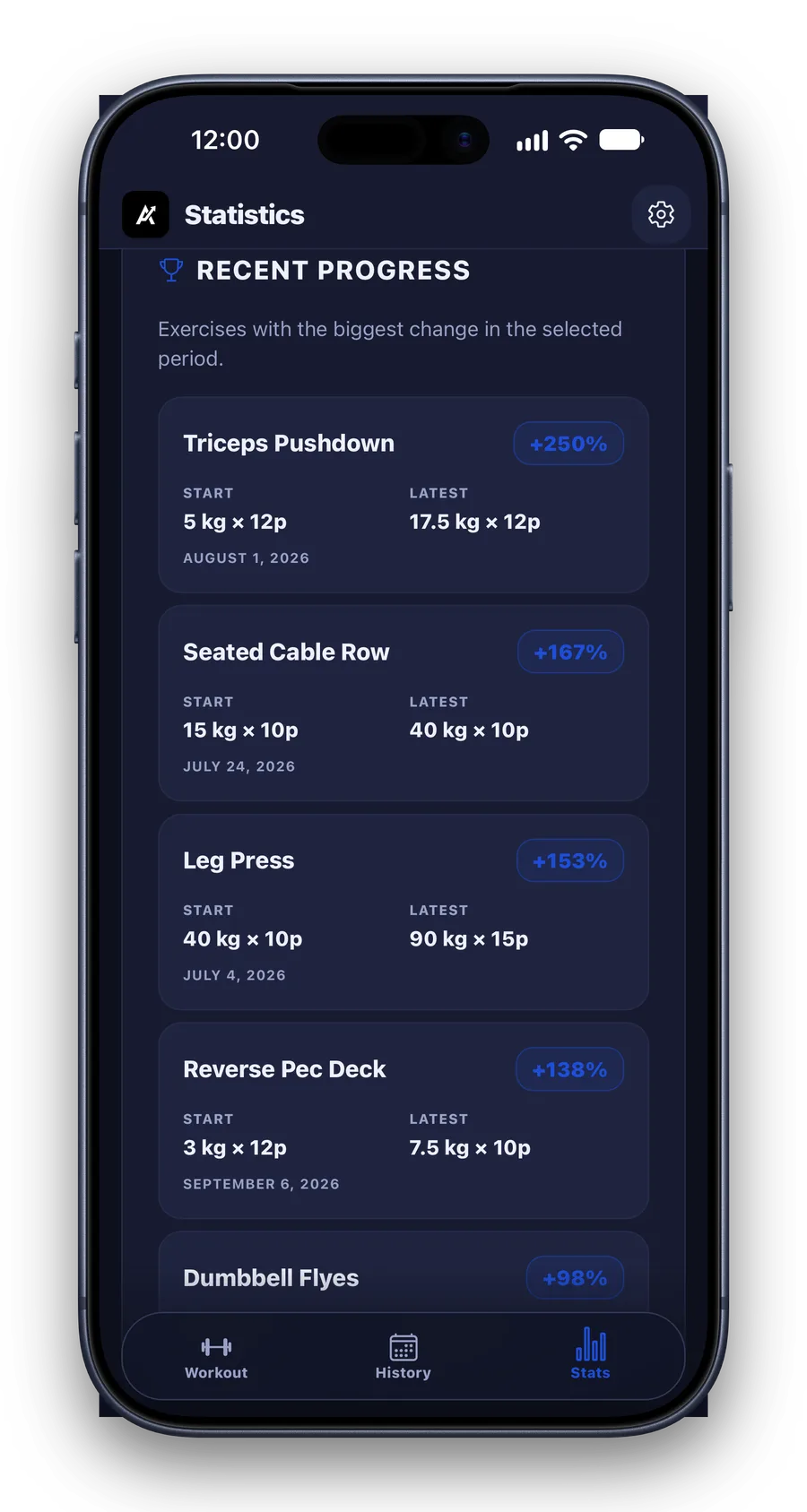
See what changed.
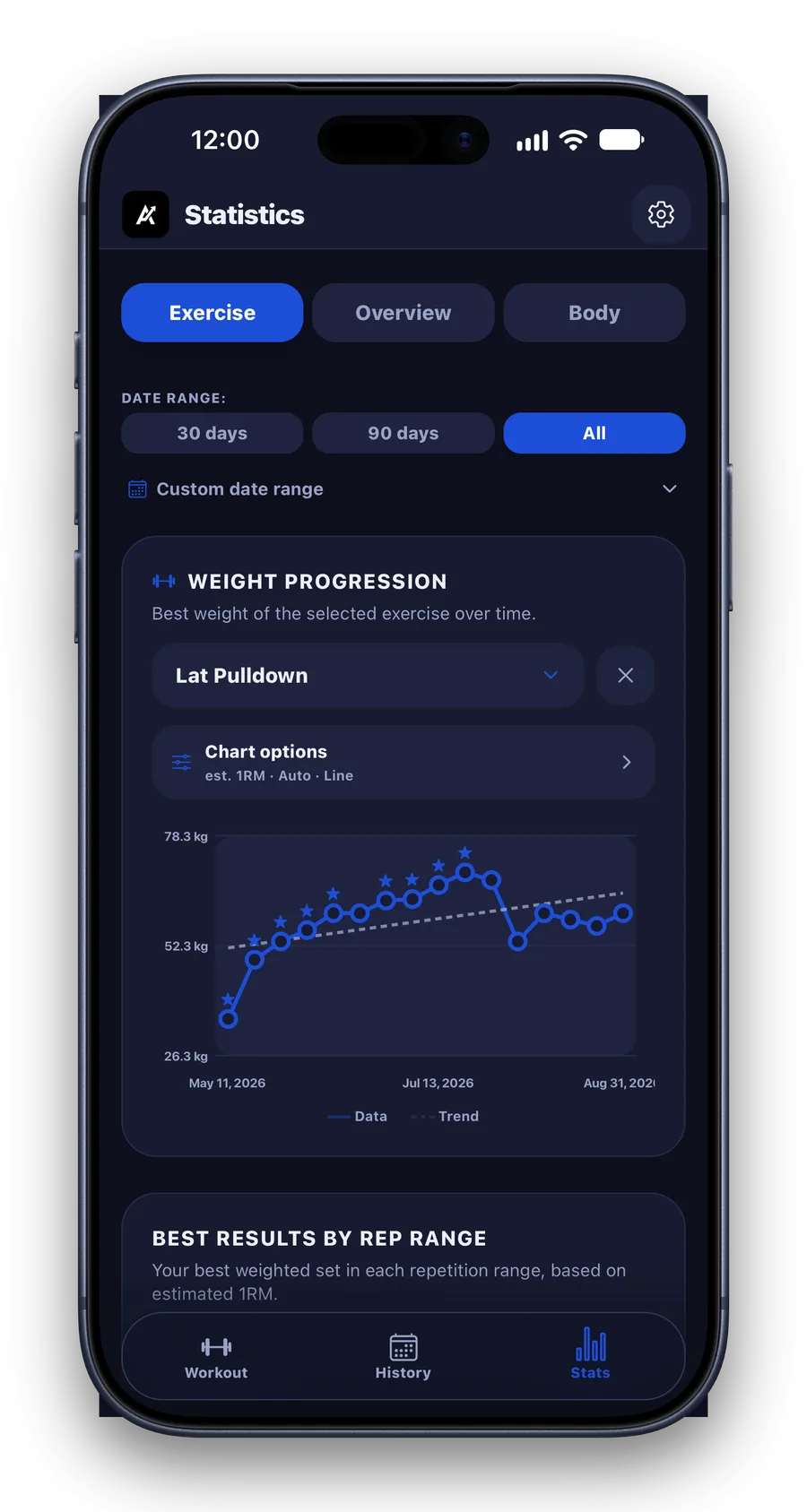
Every session stays in your history, with the trends and numbers that help you train better next time.
More to explore
And the rest of it.
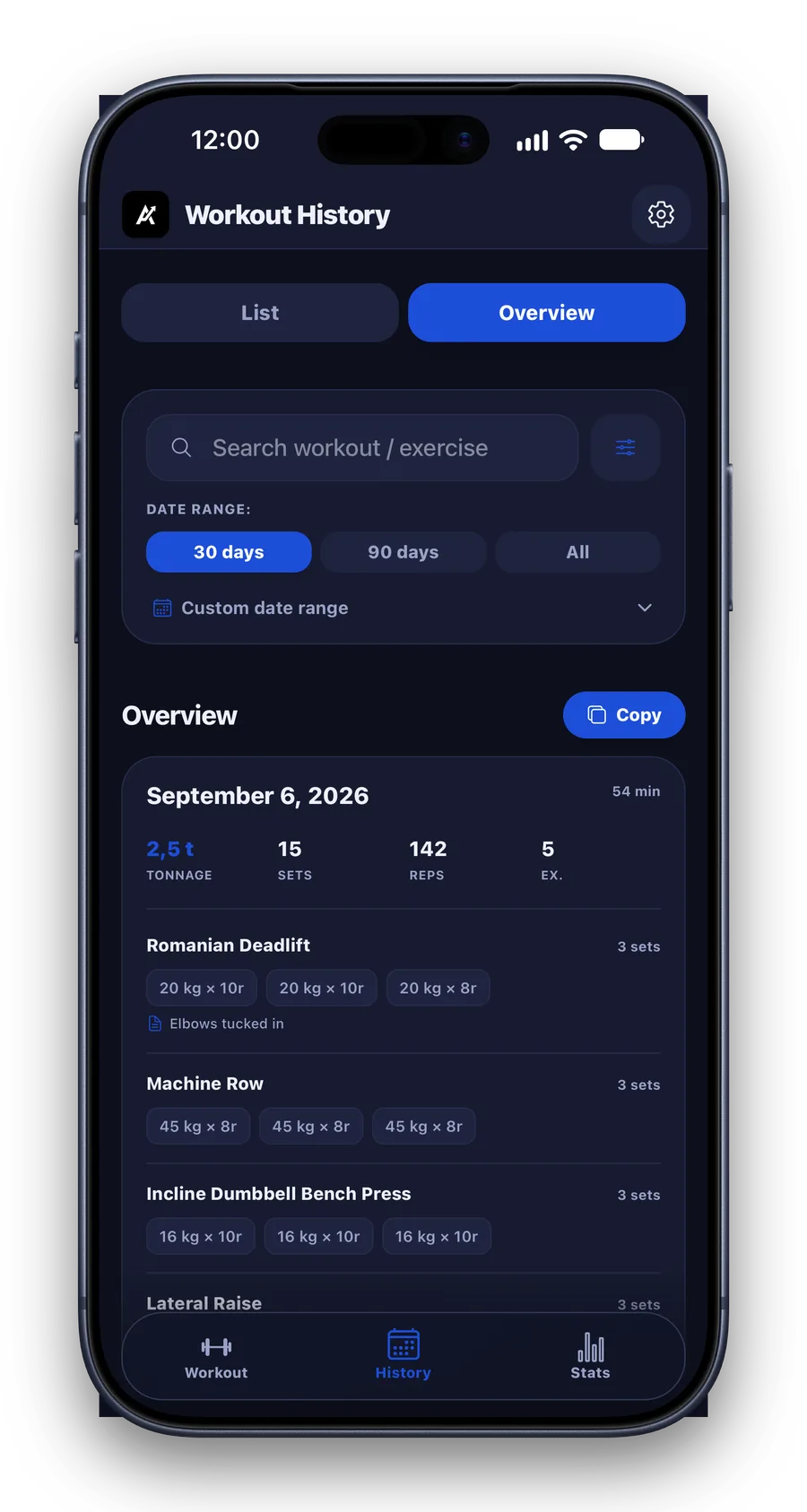
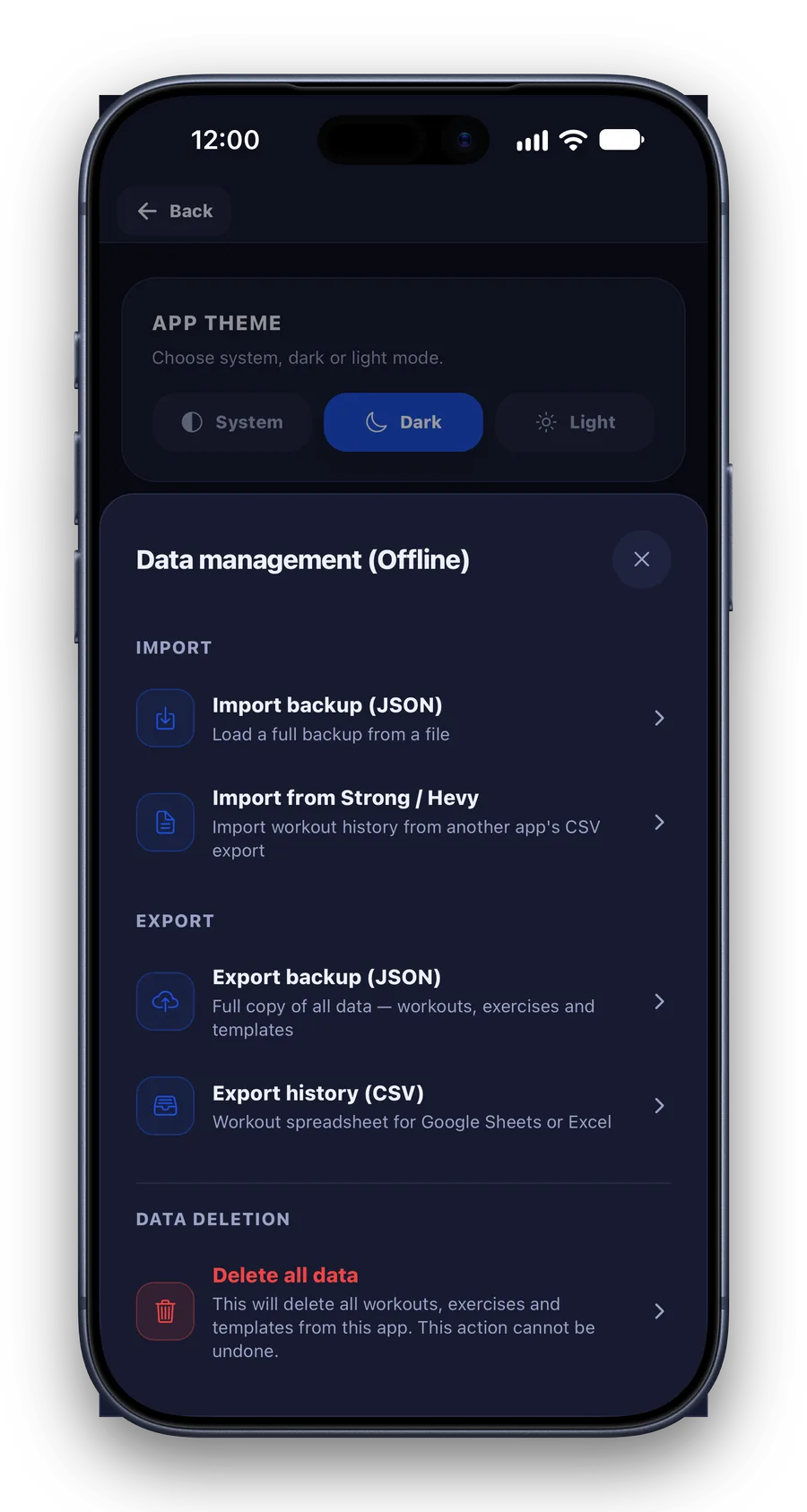
Useful extras: searchable workout history and an easy way to export your data.
In motion
A set takes seconds to log.
Weight, reps, done. Real screen recording from the app – nothing cut in post.
Made for real training
The details that matter.
One-tap workouts
Start immediately, or from a saved plan. Even a draft survives closing the app.
Previous results
“Last time: 45 kg × 10.” The next set is never a guess.
Rest timer
Starts itself after a set, counts down in the Dynamic Island on iOS.
Calisthenics ready
Track weight and reps – or duration for holds and bodyweight work.
Custom exercises
Add your own when the library does not have it – they behave like the built-in ones.
Import from other apps
Bring your history over from Strong, Hevy or FitNotes with a backup file.